 Spin The Wheel - Choose
What to Eat Tonight? Let a Wheel Decide
“What do you want to eat?” “I don’t know, what do you want?” If that conversation sounds familiar, you’re not alone — deciding on food is one of the most common small decisions that somehow eats up the most time.
A decision wheel fixes this instantly: load up your options, spin, and eat whatever lands. No debate, no scrolling through delivery apps for twenty minutes.
Try Spin The Wheel - Choose
Can't decide? Spin the wheel and let it choose for you.
Start with the built-in “What to Eat?” wheel
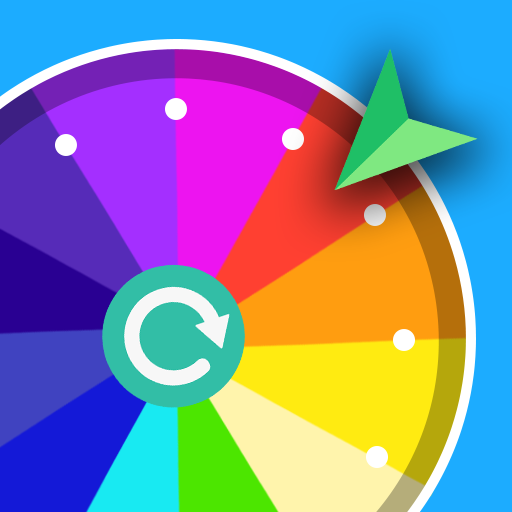
Spin The Wheel - Choose ships with a ready-made “What to Eat?” wheel covering the usual suspects — burger, pizza, sushi, salad, sausages, ramen, pierogi, soup, and “nothing” for when you’re just not hungry. Open the app, tap the wheel, spin, and you’re done.
Make it match your actual options
The built-in wheel is a good starting point, but the real value is building your own:
- List what’s actually available — the restaurants near you, or what’s in your fridge.
- Split by category if you want more control — one wheel for “cuisine” (Italian, Thai, Mexican…), then a second spin to pick the specific dish once you know the cuisine.
- Add a “cook at home” slice so takeout doesn’t win by default every time.
Customize it so it’s actually fun
Since every slice can get its own color, background image, and sound, a food wheel is an easy one to make visually appealing — drop in a food photo per slice, or just theme the whole wheel (the app includes a “Healthy Food” background) so it feels less like a chore and more like a game.
Use it for groups, too
Food indecision gets worse with more people in the room. Instead of a group chat spiraling for an hour, build one wheel with everyone’s suggestions on it and spin together — whoever suggested the winning option doesn’t get to complain about the result.
Next time “what do you want to eat” turns into a five-minute stalemate, skip it — spin instead.